
Latest Release: 6.01 — 7/08/2026
Download: BFIP 6.01
BFIP V6 adds native mobile filesystem extraction ZIP processing, updated Breakpoint Processing Engine options, expanded embedded media recovery, API/CLI updates, and refreshed interface improvements.
- Read Full Release Changelog Here
*Important Compatibility Notice:
BFIP V6 requires Windows 10 or 11 and Magnet Griffeye DI or Griffeye Processing Engine 24.3 or newer for full Griffeye integration. Lace and automated Griffeye case creation/import workflows require the appropriate Griffeye Pro/Advanced licensing. Breakpoint Processing Engine carving and Carve Only workflows do not require a Griffeye Pro/Advanced license.
Griffeye Operations/Enterprise Collaboration Server integration requires Magnet Griffeye Connect CLI 24.4.1.0 or newer.
BFIP is a powerful addition to your digital forensic toolbelt. Evolving significantly from its initial release, BFIP provides a number of features:
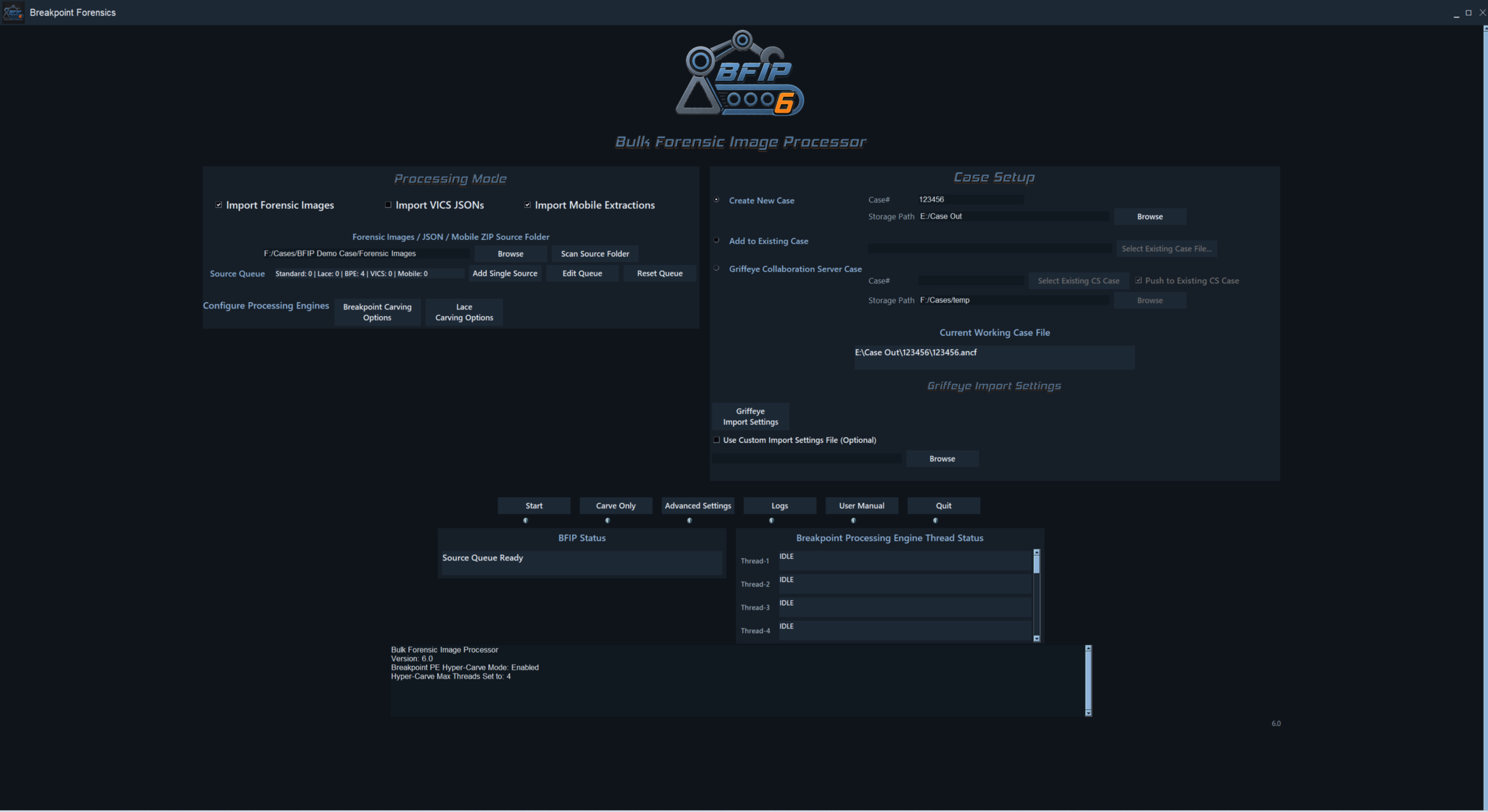
Automate case creation with the ability to bulk select multiple evidence sources and have it automatically locate sources, generate names, and process in one step.
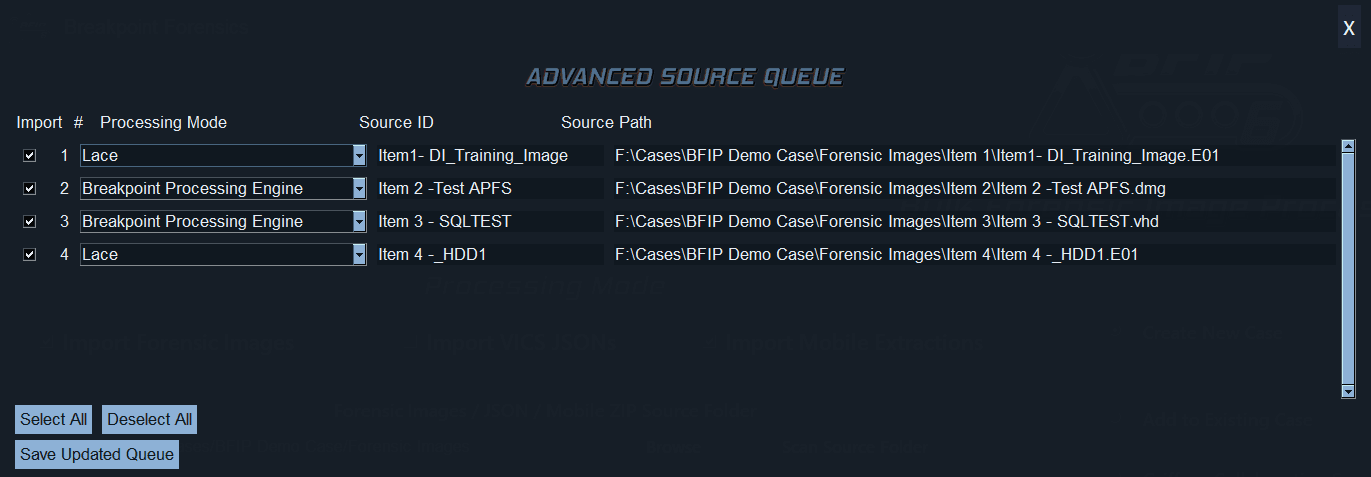
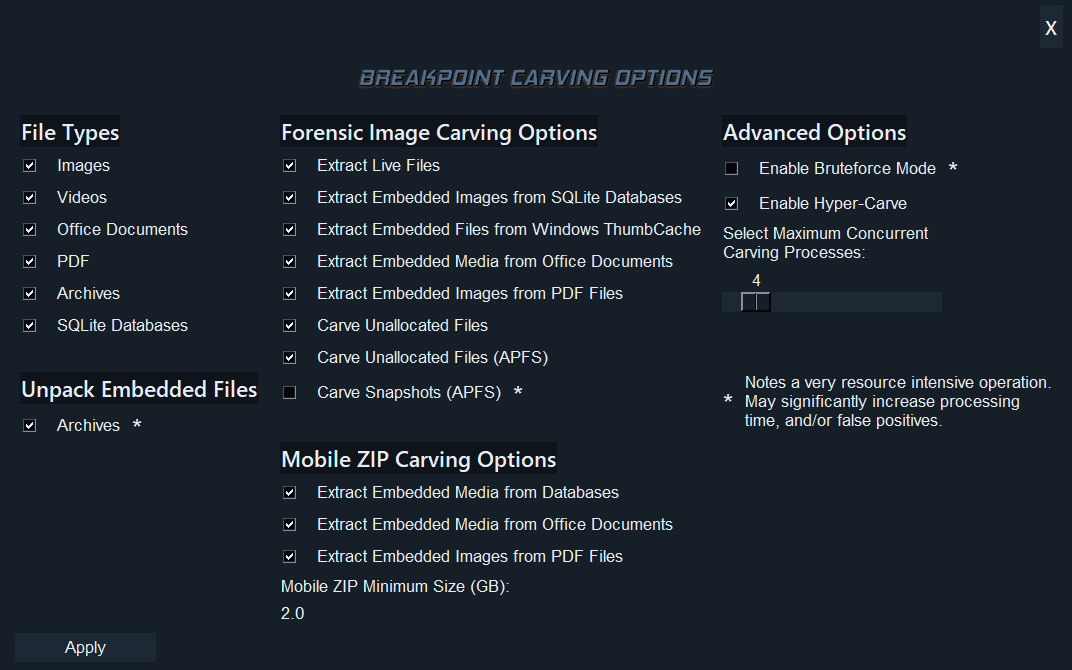
Includes exclusive Breakpoint Processing Engine. This provides additional forensic image processing options such as:
- Live/allocated and flagged-deleted file extraction
- Unallocated carving powered by PhotoRec
- APFS support, including APFS snapshots
- Hyper-Carve parallel forensic image processing
- Embedded media recovery from SQLite databases
- Embedded images from Windows ThumbCache
- Embedded media from Office/OpenDocument files
- Embedded images from PDFs
- Archive extraction from recovered ZIP/RAR/7Z/DMG files
- VICS-compatible JSON output with metadata such as source ID, file path, physical location, deleted/unallocated status, MD5, and file size where available
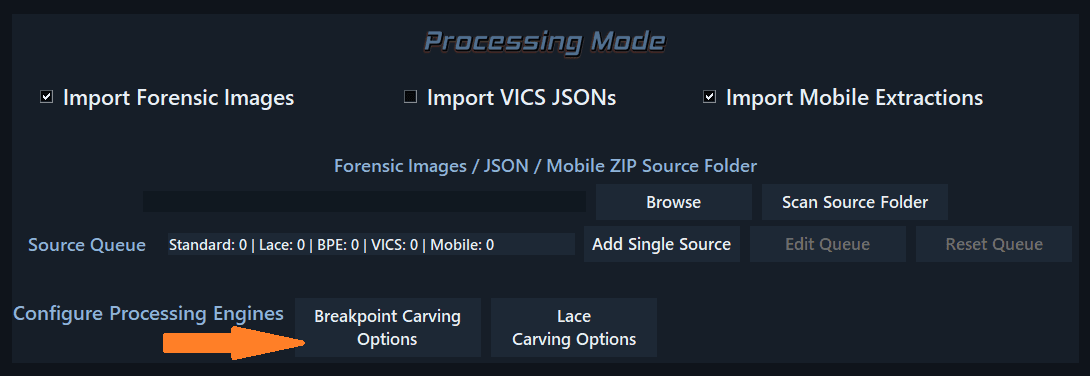
Includes exclusive Breakpoint Mobile Processing Engine. This provides native support for direct extraction of media and other configurable file types directly from Mobile IOS/Android File System ZIP Extractions:
- Full filesystem mobile extraction ZIP archives
- ZIPs commonly created by tools like GrayKey or Cellebrite
- Standalone file extraction from the ZIP
- Automated VICS-compatible JSON package creation
- Preservation of original paths, filenames, timestamps, MD5 hashes, and file sizes
- Signature-based recovery when extensions are missing, unusual, or misleading
- Embedded recovery from SQLite/database storage, cache files, previews, attachments, app storage, Office documents, and PDFs
Provides streamlined GUI access to Griffeye Analyze and Griffeye Processing Engine CLI functionality.
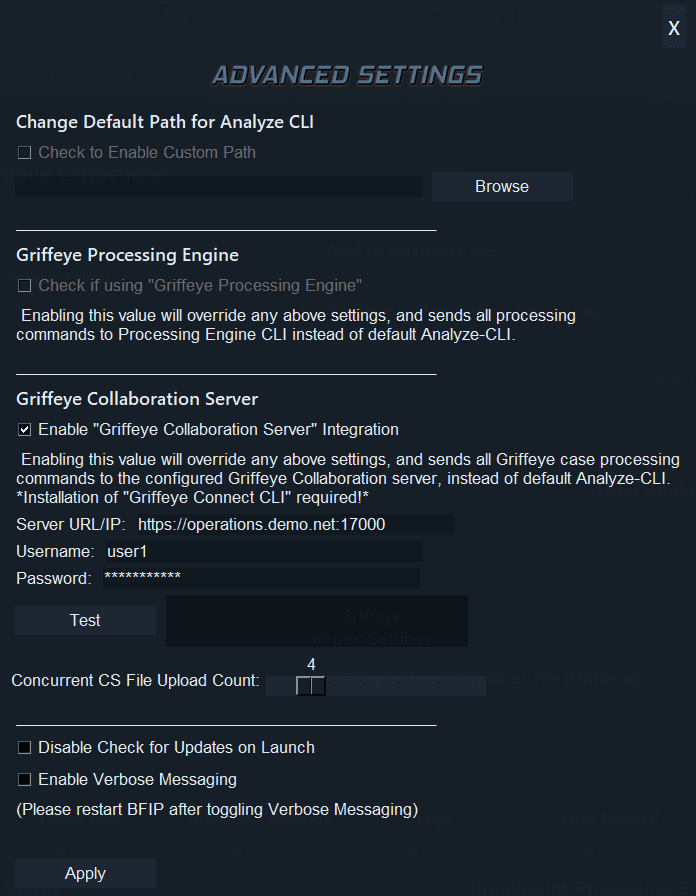
Plus full support and API integration for pushing data recovered via Breakpoint Processing Engine directly to Griffeye Operations/Enterprise Collaboration Servers.
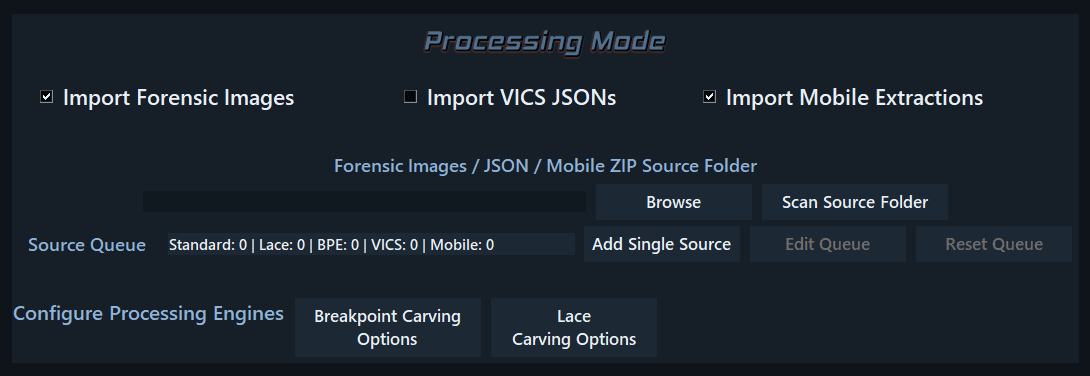
- GUI-based mode selection and settings, for either Standard Process (allocated files only), LACE Carver Processing, or Breakpoint Processing Engine.
- GUI-Integrated console output window with logging and processing feedback.
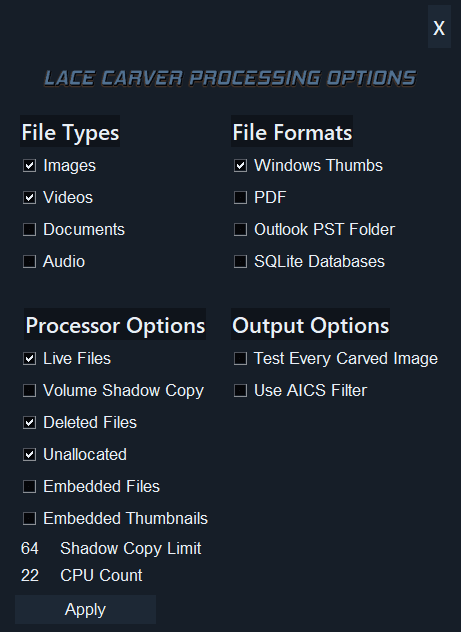
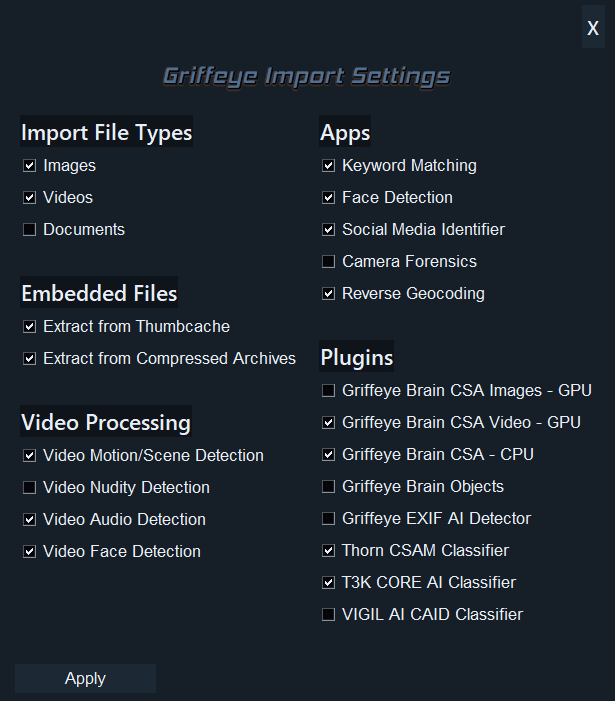
Breakpoint Processing Engine: A Closer Look
- Breakpoint Processing Engine can be used in lieu of, or combined with Standard or Lace Imports.
- HyperCarve – Supports configurable Multithreaded Carving to handle multiple Forensic images simultaneously.
- Conducts an intelligent Disk Analysis first and identifies each unique partition and file system type. Then conducts individual carves of each disk/partition.
- Automated native extraction of Allocated and Flagged Deleted Files using Breakpoint Processing Engine.
- New! Direct ingestion of Raw Mobile File System Extraction Zips from Graykey/Cellebrite, directly into Griffeye.
- New! Automated carving and extraction of images embedded in SQLite database.
- New! Automated carving and extraction of images embedded in Windows Thumb Cache.
- New! Automated carving and extraction of images embedded in documents and PDF’s.
- Direct API Integration with Griffeye Operations/Enterprise Collaboration Server
- Unallocated Carving Powered by PhotoRec. Leverages the tried-and-true open-source PhotoRec, along with some new custom updates, resulting in a powerful file carving solution.
- Includes additional support for parsing forensic images containing APFS(Apple File System), with automated extraction of media files and import into Griffeye with no additional addon plugins required.
- Automated carving of APFS Snapshots for additional recovery of historic or deleted data.
- Passes recovered data to custom JSON generator to build out JSON containing notable metadata and fields (i.e., Physical Location, Unallocated Status, etc.)
- Directly integrates with Griffeye Analyze Advanced, Operations, Enterprise, and automatically conducts case creation, and final import of carved data in.
- Includes easy category-based options for image, video, document, and archive carving.
- Ability to optionally unpack image/videos/docs from recovered archives and also import them into Griffeye.
- Using Breakpoint Processing Engine, ability to conduct a stand-alone Carve and JSON creation using ‘Carve Only’ Button. Does everything except passing final JSON and forensic images to Griffeye.